

About This Mod
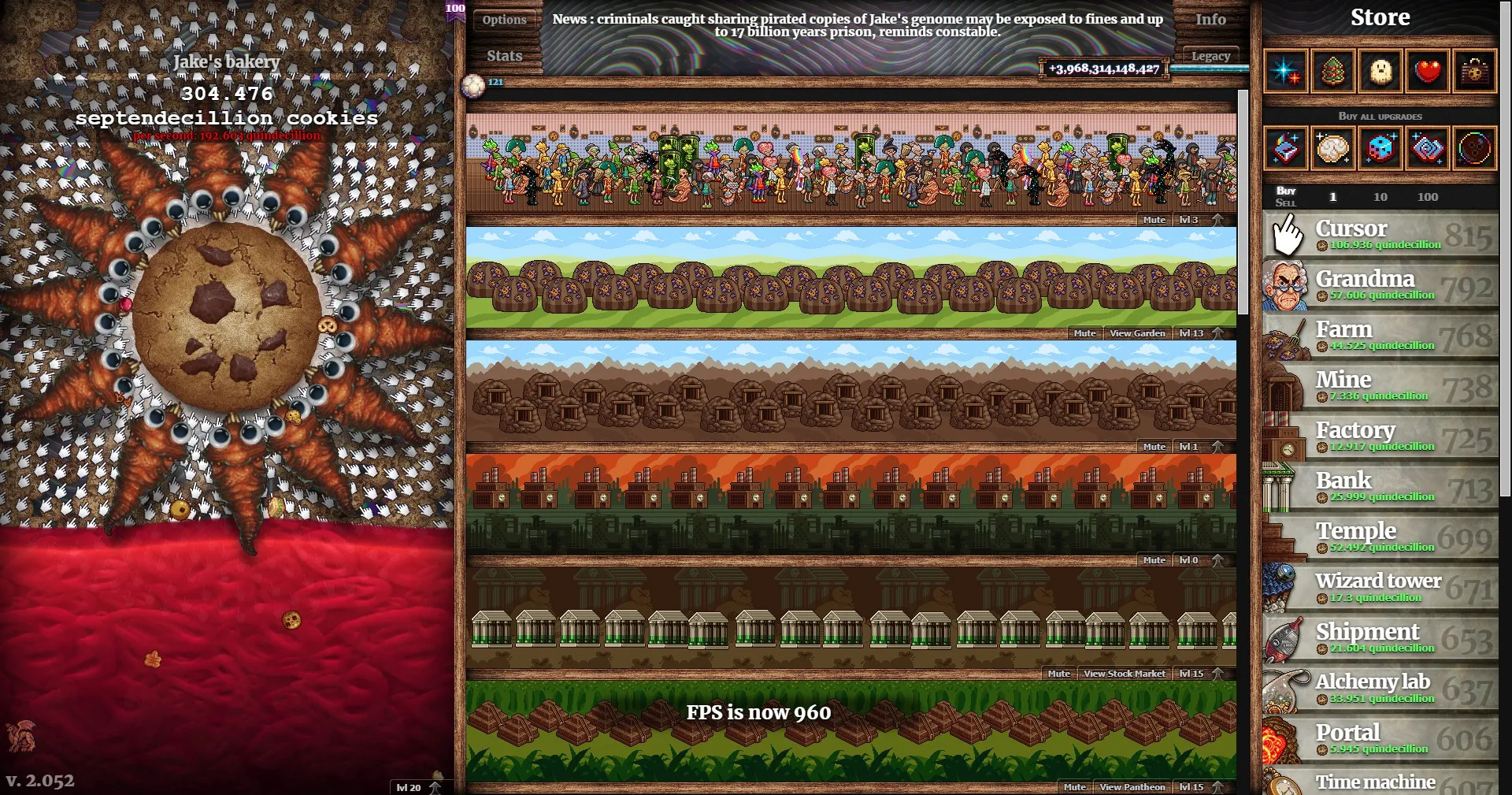
This mod allows you to speed up your game at will.
Information:
Use the number keys on the top row of your keyboard to change the game's speed.
Important Notes:
- During Cookie Storms, ensure you're on default speed as the game can very easily lag out and freeze.
- Each speed (besides 1) has a multiplier attached. Meaning it does not double or scale. This is to allow extremely high speeds without compromising the core experience and adding additional options.
- Your speed is not saved, you will have to re-apply on launch.
- The game will become increasingly unstable the higher you go.
- The Steam/Nvidia FPS counter does not use this FPS. As such, you may notice it staying locked at your refresh rate or dipping because of so much going on.
Keys
- 1 = Default, 30 FPS
- 2 = 240 FPS
- 3 = 540 FPS
- 4 = 960 FPS
- 5 = 1500 FPS
- 6 = 2160 FPS
- 7 = 2940 FPS
- 8 = 3840 FPS
- 9 = 4860 FPS
Installation:
- Open the game
- Go to "Options"
- Scroll to "Manage Mods" and click it.
- Then click "Open /mods folder"
- Open the "local" folder
- Extract the folder to your game's local mods folder
Is this cheating?/Warranty/Etc
I'm sure people will feel it is cheating, however because it is a single player game. Use at your own will and risk. I am not responsible for any issues you may occur, always keep a backup of your save.